Lambda function cài đặt thời gian tắt mở EC2 Instance
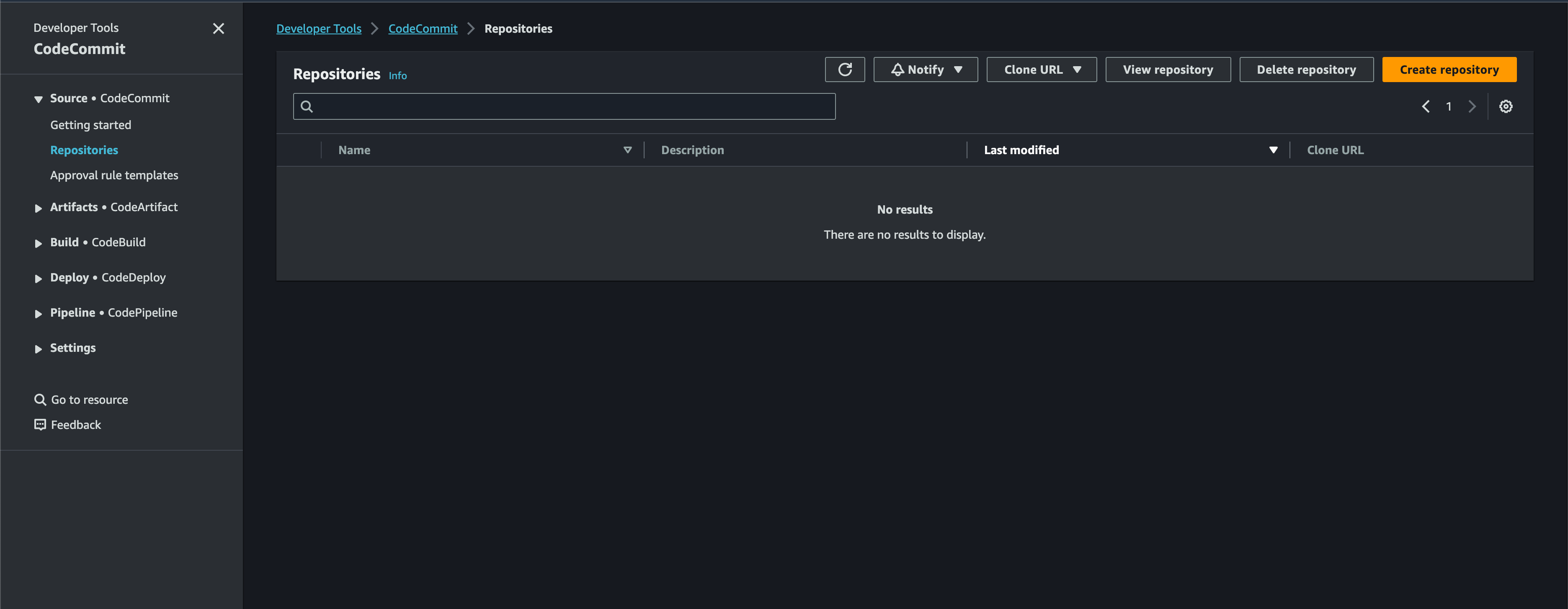
1. Giới thiệu về code commit
- Tạo IAM user và lấy accest key and secrect key
- Vào chi tiết của user IAM vừa tạo và chọn tab permission chọn Attach policies directly chọn thêm quyền AWSCodeCommitPowerUser hoặc quyền khác cho user sau đó chọn add permission
- Step 2: Install git
- Step 3: Create Git credentials for HTTPS connections to CodeCommit Chọn vào IAM user vừa cấp quyền => chọn tab Security Credentials và đến HTTPS Git credentials for AWS CodeCommit chọn Generate sẽ xuất hiện 1 popup cho bạn user name và password user_name: thinh-nguyen-at-491331843607 password : gAtyv2DF2nMtvWx7419/oMYgFvnA6QHvKFGITaer6QM=
- Step 4: Connect to the CodeCommit console and clone the repository Quay trở lại menu code commit chọn clone with https và chạy lệnh git clone https://git-codecommit.ap-southeast-1.amazonaws.com/v1/repos/Myblog paste user và password do aws cung cấp ở bước 3
2. Code auto build sau khi commit
Tạo code pipeline trong project
Sau khi đã commit và push code lên được ở aws ta chuyển qua tab code build Sau khi tạo xong build project => chuyển đến tab Build Trigger để tạo action khi có sự kiện push lên